Smart Yellow
The yellows iRacing misses.
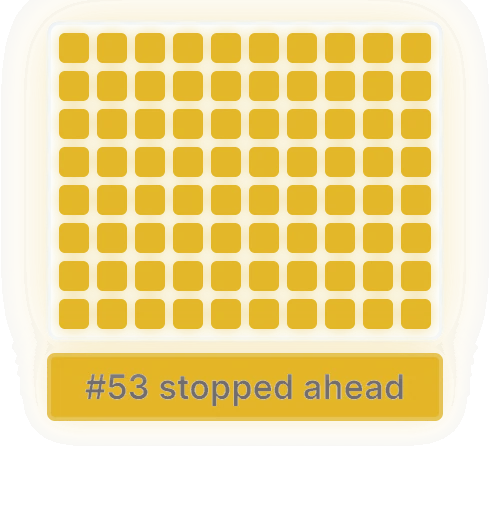
A stopped or crawling car warns you 350 m out, on the Flag overlay, the maps and in Crew Chief’s voice.
Overlays, race tools and a voice Crew Chief for iRacing, built so the numbers are always right.
7 days free on Basic or Premium. See plans
“Every overlay I tried got something wrong at the moment it mattered. So I built my own, with one rule: the numbers have to be right.”
From the drivers
“I’m picky about what earns a place on my screen, especially in an endurance race. Berk Overlays puts every feature I need in one app, and the performance is second to none.”
Mikey Rogers Co-owner, Dark Wing Racing · ~5.4k iRating
“I’ve tried a lot of overlays, and every one was either missing something or hurt my performance. Berk finally does it all while staying lightweight. Fuel is the one I care about most, because I can’t have an overlay cost me a result. Berk nails it every time.”
Robin Wist Dark Wing Racing · ~4.8k iRating
Data you can trust
Smart Yellow
A stopped or crawling car warns you 350 m out, on the Flag overlay, the maps and in Crew Chief’s voice.
Gaps that don’t jump
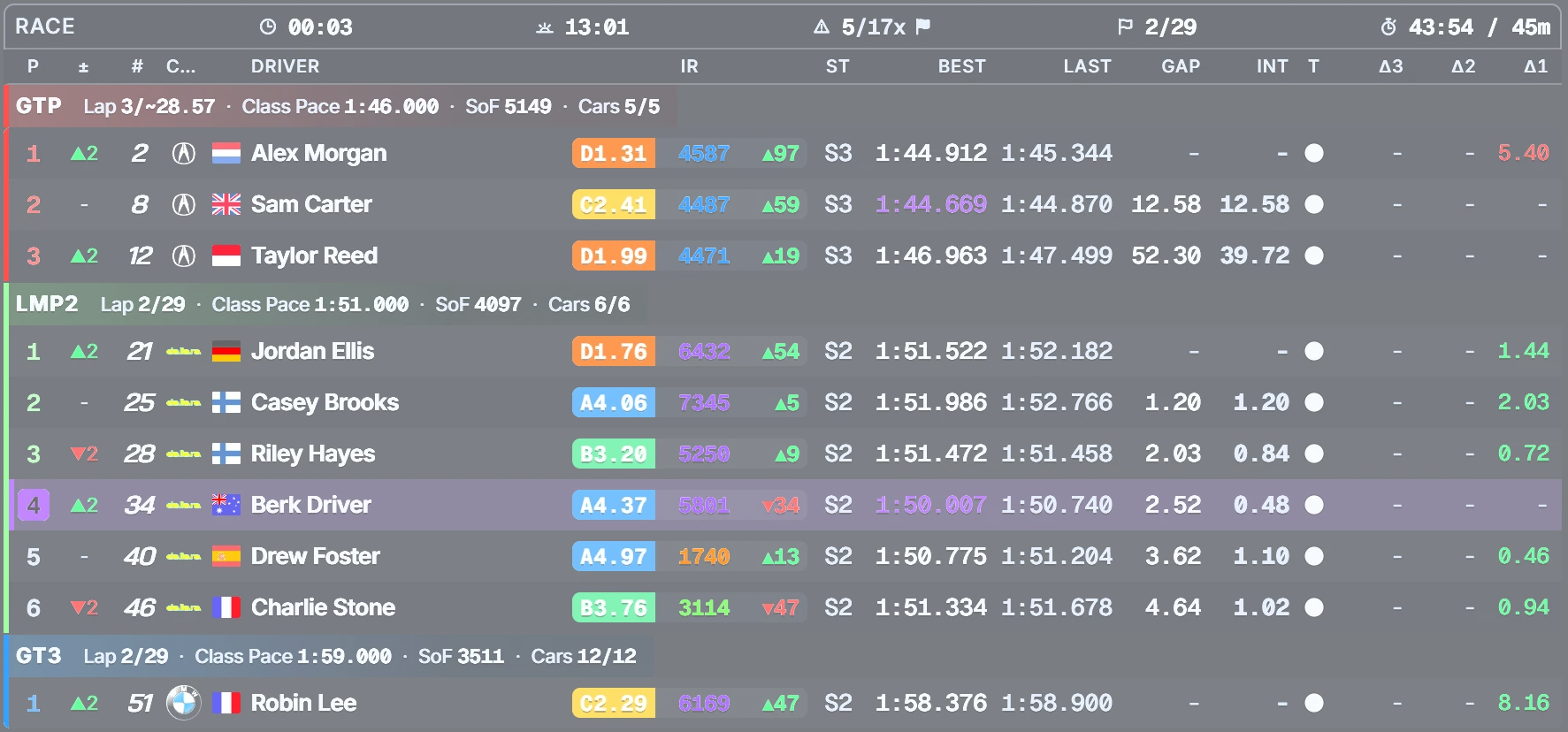
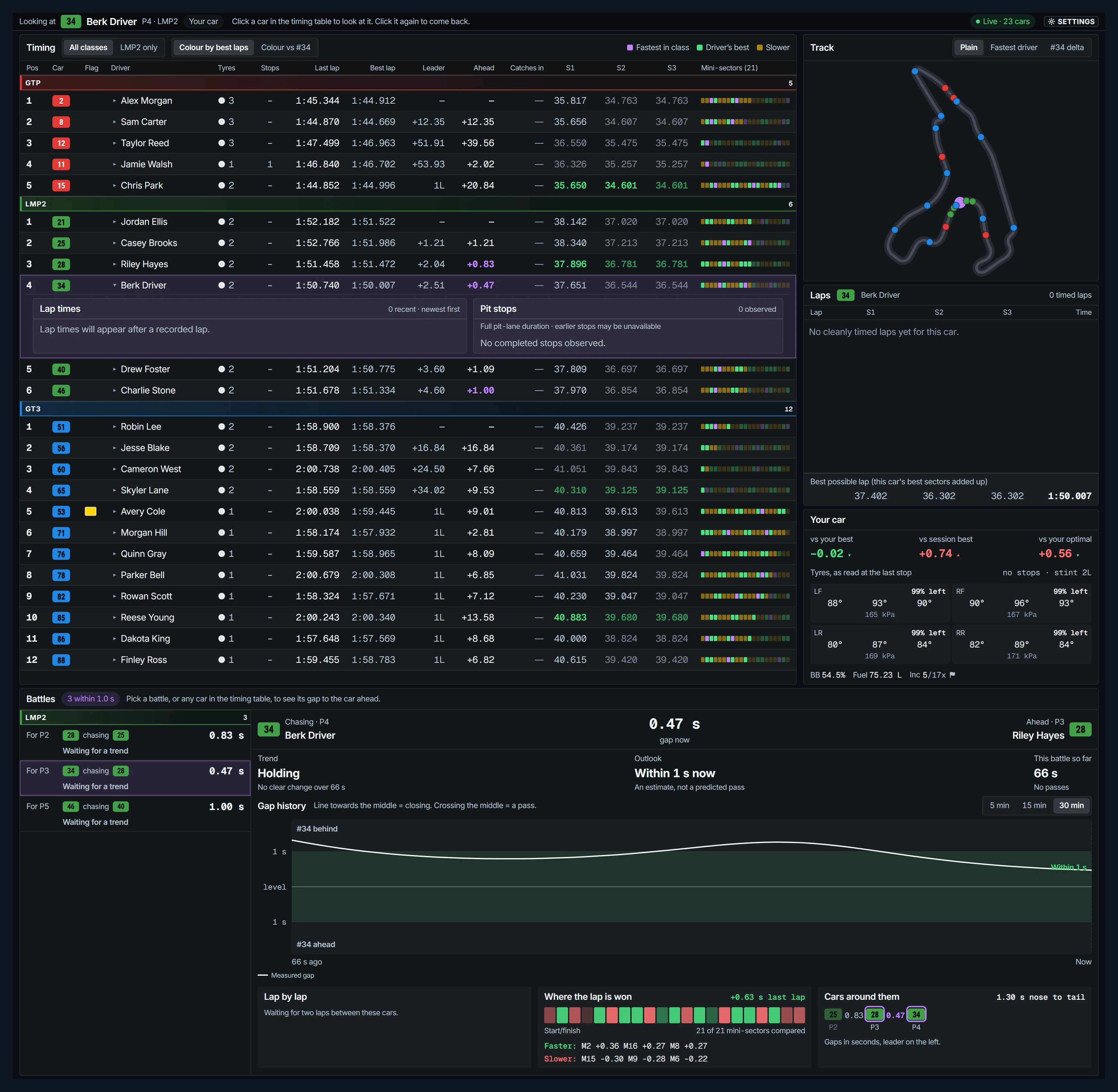
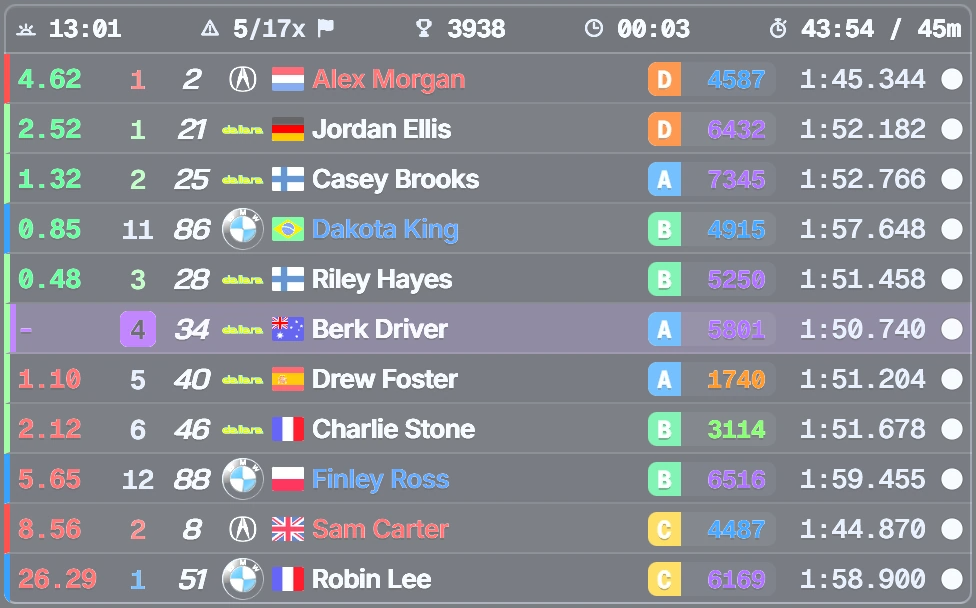
A timing model learned per track and class. No spikes at the line, no nonsense after a stop.
Fuel to the flag
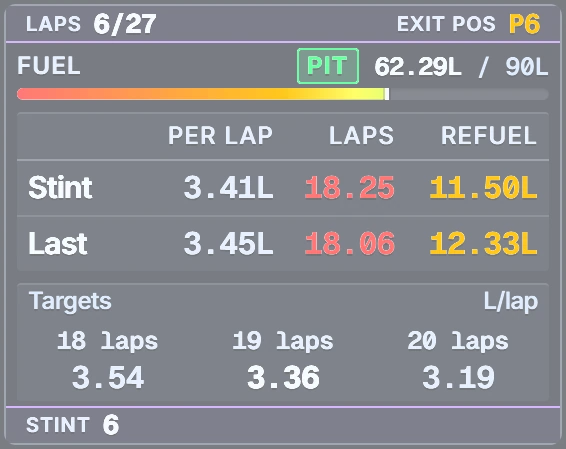
Dry or wet, sprint or endurance, official or league. It remembers your fuel use for every car and track, so the numbers are there from lap one.
Performance
iRacing needs your CPU and your graphics card, so Berk stays out of the way of both.
The details you only notice when they’re wrong
Build your screen
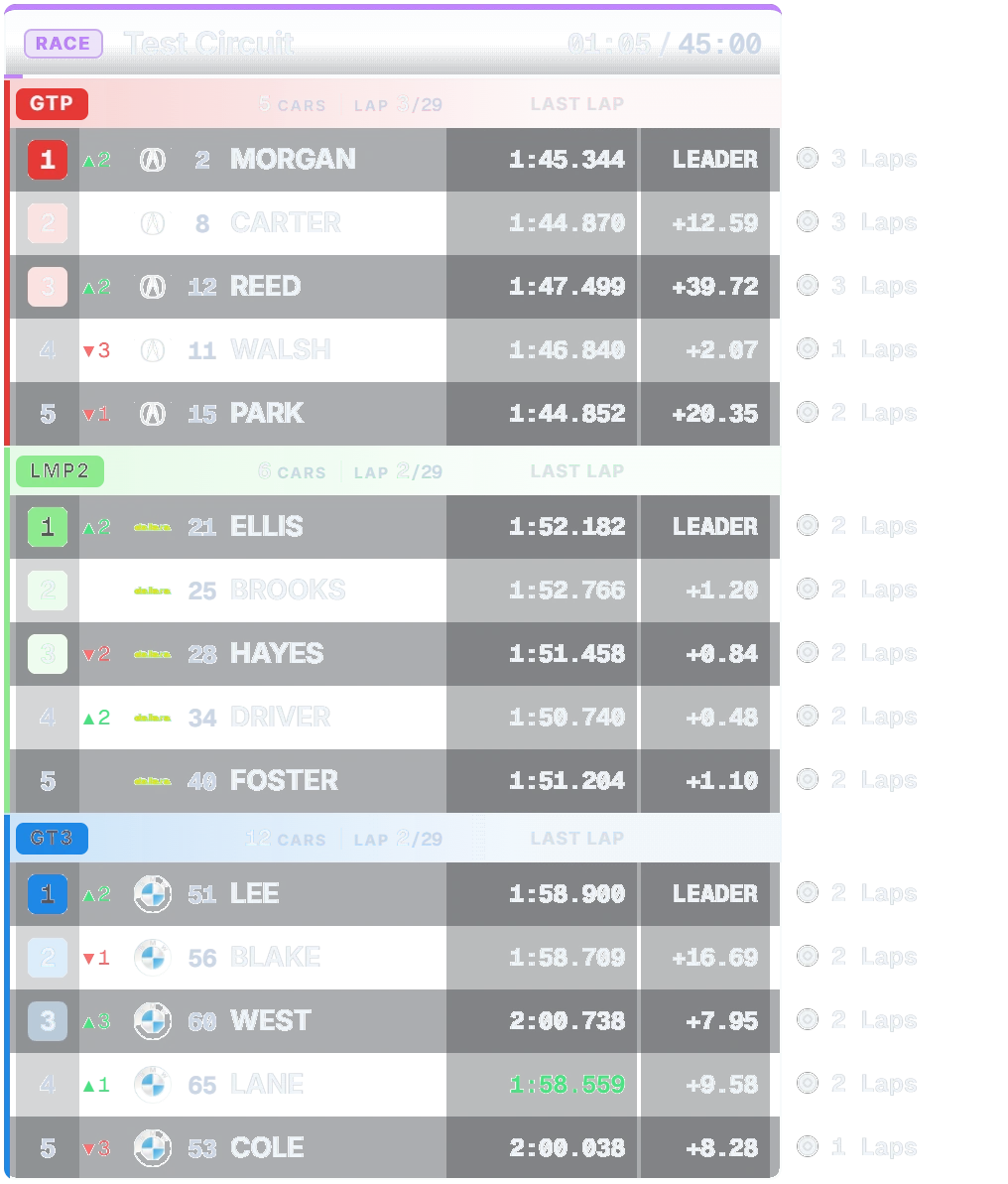
Pick a layout, switch overlays on and off, then drag and resize them to taste. This is how edit mode works in Berk.
Explore Berk
Get started
Every plan starts with a 7-day free trial. See the plans
No. Berk installs for your user only and never asks for administrator rights. The installer isn’t code-signed yet, so Windows shows a blue “Windows protected your PC” screen: choose More info → Run anyway. One exception: if you start iRacing as administrator, start Berk as administrator too, or Windows won’t let edit mode receive your mouse while the sim is in focus.
Two, and they matter for every overlay app, not just Berk. In iRacing’s options set Max Cars to its highest value, and under Networking set Connection Speed to 1Mbit/sec or faster. iRacing only sends data for as many cars as those settings allow, so with lower values part of the field is missing from standings, gaps and the track map. Also run the sim windowed or borderless: nothing can draw over exclusive fullscreen.
Yes. Berk puts one invisible overlay layer on each monitor and they share one coordinate space, so in edit mode you drag an overlay from one screen to the next. Because each monitor has its own layer, mixed refresh rates don’t pull iRacing’s frame rate down.
You don’t start from zero. The facts about a track and class that are the same for everyone (pit entry, sector splits, map alignment, typical pit loss and stop counts, and the timing curves behind the gaps) are pooled anonymously between Berk users, so a combination you’ve never run starts with real numbers. Your own measurements replace them as soon as you have them. Fuel is the exception: consumption depends on how you drive, so it is learned on your PC only and never shared. In a short race at a car and track with no fuel history yet, a small yellow triangle beside Fuel tells you the refuel figure rests on only a few laps.
Only completed, clean, on-track laps. Out-laps, in-laps, tows, formation laps and laps under caution are left out. Fuel targets and stop times are estimates.
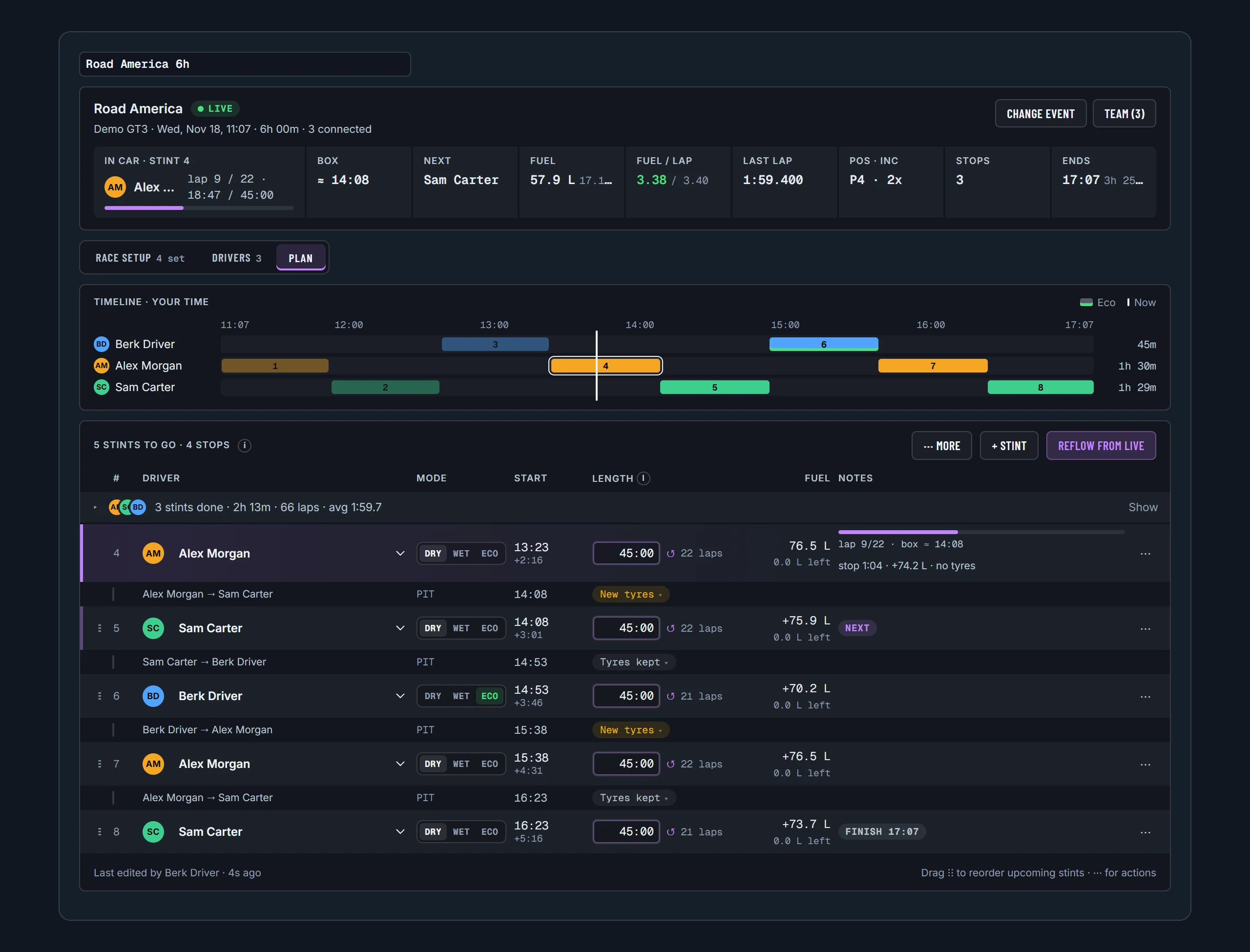
Berk detects a team event from the session itself. iRating change is hidden because it means nothing per driver there, and incidents show yours and the team’s. iRacing doesn’t give a spectating teammate the car’s fuel data, so with Team Fuel Sync the driving PC sends fuel level, burn rate and laps left to the rest of the team, and your Fuel overlays keep working from the pit wall after the swap. The shared stint plan moves on to the next stint when the swap actually happens, never by the clock.
Yes. Match cars by number, range, team ID or team name, and save it as a league preset that loads automatically. Team rules follow a team through driver swaps. iRacing keeps its own official classes.
As little as it can, because iRacing needs both. Telemetry and all the timing maths run in a separate process, on a different CPU core from the sim. Overlays are drawn by the graphics card and capped at 60 fps, and an overlay you can’t see does no work at all. We don’t publish a number because it depends on your PC and layout: benchmark it against what you use now.
Yes. Every action can go on a key, and on a button of your rim, wheelbase, button box or shifter, or a direction of the hat switch. Berk reads the device directly, so nothing has to be mapped to a keystroke in Fanatec, Moza, Simagic, Logitech or Thrustmaster software, and it works while iRacing has focus. Examples: Set Pit Fuel to Finish, Add One Lap of Fuel, switching profiles.
Yes. Use a separate Stream profile and its OBS browser source. Keep Berk running to feed it.
Turn on the local server on Berk’s VR page and add the overlay URLs as Web Dashboard tabs in OpenKneeboard.
Your access is linked to your Discord account in the Berk community, so there is no separate password to create. Sign-in opens Discord’s own page in your browser; Berk never sees your Discord password. Berk checks access each time it starts, so you need an internet connection to launch it. Once it is running, losing the connection doesn’t stop the overlays.
There are two plans, Basic and Premium, paid monthly or yearly; see Membership for prices and what each includes. Both start with a 7-day free trial: add a card, and if you cancel before day 7 you pay nothing. Berk is in early access right now, so every feature is free until plans start.
No analytics, no ads, no tracking. A few timing averages are shared anonymously to improve estimates for everyone. See the Privacy Policy for the full list.
No. Berk is independent software that reads iRacing’s public telemetry.